AI workflow automation tools are worth comparing only after you define the workflow boundary: choose a lightweight connector for structured handoffs, an AI-capable builder when inputs need classification or extraction, and a governed/custom system when approvals, data handling, or exception recovery are the real constraint. The right platform is the one your team can own, monitor, and reverse—not the one with the longest feature list.
Best AI Workflow Automation Tools
Comparing AI workflow automation tools? We review 8 platforms -- from Zapier to custom AI builds -- with pricing, pros/cons, and when each makes sense.

Table of Contents
- Quick answer: match the tool to the workflow you can operate
- What most guides miss: the platform is only one control layer
- Editorial decision tools for selecting a platform
- Compare operating models, not marketing categories
- Worked pilot scorecard: inbound lead routing
- Build, buy, or partner: use a threshold model
- Failure gates and disqualifying conditions
- Practitioner context: use it to find questions, not to prove outcomes
- A practical selection sequence
- Frequently asked questions
Quick answer: match the tool to the workflow you can operate
For a form-to-CRM update, a connector may be enough. For document intake, lead triage, or support routing, evaluate whether the platform can keep source data, confidence scores, reviewer decisions, and failed runs visible. For workflows that affect money, customer eligibility, permissions, regulated data, or irreversible records, treat AI as decision support unless an authorized owner has approved a narrower autonomous action.
Start with four questions:
- Is the input structured, or must the workflow interpret text, documents, or emails?
- Which system is authoritative when connected systems disagree?
- Who owns credentials, failed-run alerts, reviewer queues, and rule changes after launch?
- Can a bad run be contained and reversed without manual cleanup across multiple systems?
That is a more useful shortlist than “best AI workflow automation tool.” OpenAI’s practical guide to building AI agents makes the same operating distinction: tools, guardrails, evaluation, cost, and latency need design alongside the model.
What most guides miss: the platform is only one control layer
App count, visual builders, and AI features matter, but they do not tell you whether a workflow is production-ready. A workflow can look correct in a demo and still fail because it uses an employee’s credentials, silently retries an upstream failure, cannot explain a routing decision, or gives an AI step authority it was never authorized to have.
Before a demo, document the workflow in this order:
| Control question | Buyer check |
|---|---|
| Trigger model | Is the workflow event-driven, scheduled, or dependent on polling? What delay is acceptable? |
| Inputs | Which exact fields, files, and messages are accepted? What is rejected? |
| System of record | Which system wins when a customer, lead, or case record conflicts? |
| AI boundary | Is AI extracting, classifying, drafting, recommending, or taking action? |
| Approval boundary | Which confidence range, account type, amount, or scenario must be reviewed by a human? |
| Identity ownership | Are credentials owned by a service account or principal, rather than an individual employee? |
| Observability | Can an operator see runs, retries, errors, approvals, and latency? |
| Recovery | Who handles a failed run, how quickly, and what reverses an incorrect action? |
| Cost meter | Are costs driven by tasks, operations, executions, premium connectors, model use, infrastructure, or support time? |
Microsoft explicitly treats flow ownership as a stability, security, and compliance concern, and documents service-principal-owned flows as an administration pattern for automated workflows. Review flow ownership and access and service principal support before putting employee-owned credentials into a business-critical automation.
The decision rule is simple: do not automate because a model can produce an answer. Automate only the action that has a defined owner, acceptable error cost, review route, and rollback path.
Editorial decision tools for selecting a platform
Use the following rubric for a specific workflow, not for a vendor in the abstract. Score each dimension from 1 to 5, multiply by the suggested weight, and require evidence during evaluation.
| Dimension | Weight | Score 1 | Score 3 | Score 5 |
|---|---|---|---|---|
| Workflow fit | 3 | Core steps require manual exports or unsupported logic | Most steps fit, with documented workarounds | Trigger, branches, data transformations, and exception paths fit cleanly |
| Integration and identity | 3 | Key system access depends on personal credentials | Supported connections exist but ownership needs design | Stable authentication, documented service ownership, and least-privilege access are feasible |
| AI decision depth | 2 | AI output is unreviewed text generation | AI extracts or classifies with a reviewer queue | AI outputs have validation, confidence handling, and approved action boundaries |
| Monitoring and recovery | 3 | Failures are discovered by end users | Logs exist but response ownership is unclear | Runs, alerts, retries, exception queues, and recovery ownership are tested |
| Data and governance fit | 3 | Data handling or retention cannot be verified | Vendor review is possible but unresolved | Data handling, access, retention, and audit needs are accepted by the accountable risk owner |
| Operating cost | 2 | Usage unit and support burden are unknown | Software cost is estimated | Volume, model use, review time, monitoring, and maintenance are modeled |
| Escape hatch | 2 | Team expects indefinite workarounds | Some custom integration is possible | Clear interface exists for code, APIs, or a controlled rebuild if requirements grow |
A weighted total is not a procurement decision by itself. It is a forcing function: a low score in governance, recovery, or identity should block a consequential workflow even when the overall score looks attractive.
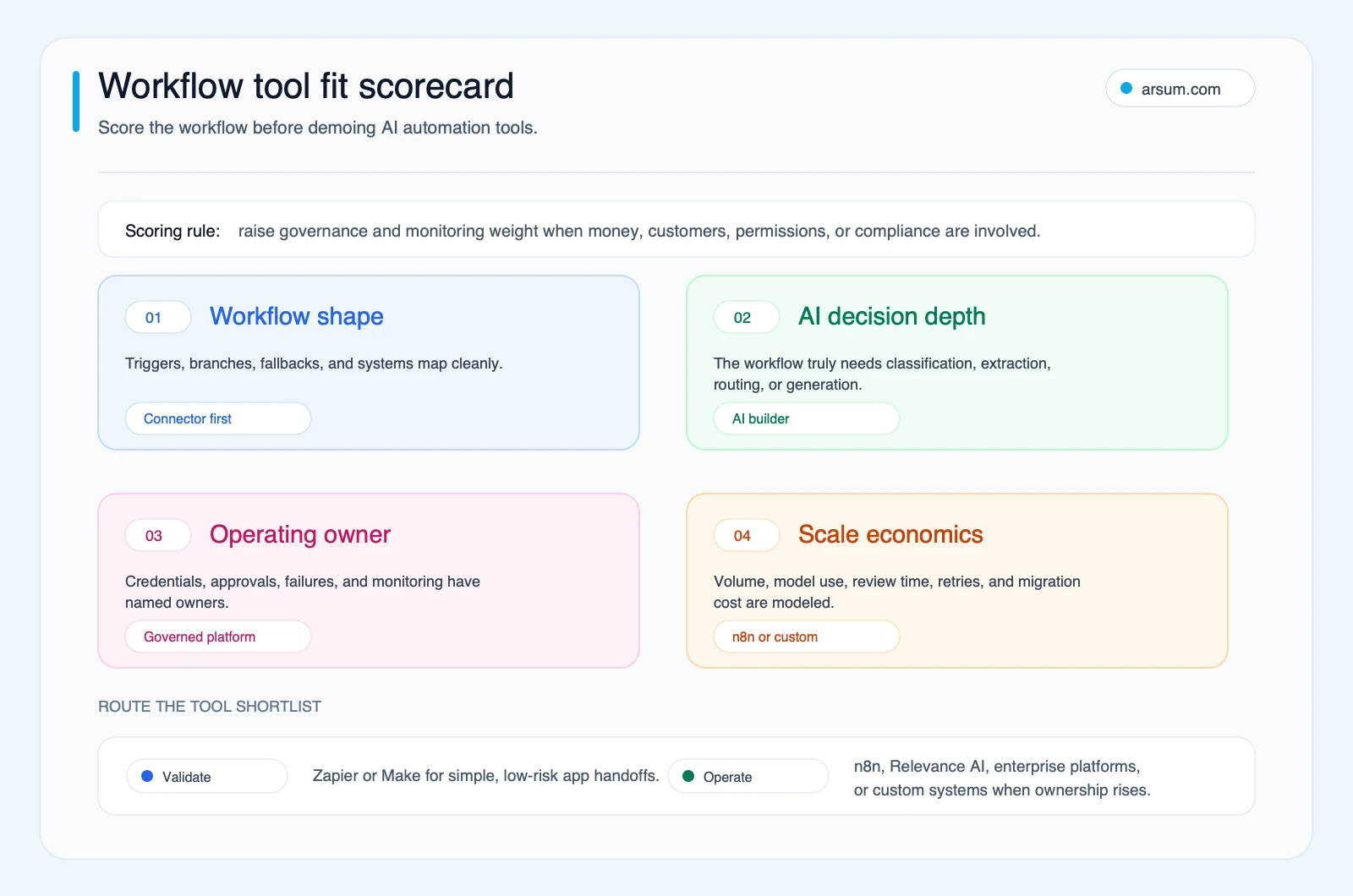
Use this editorial scorecard to compare a platform against one named workflow. Keep the completed version with the pilot record and revisit it when requirements change.
The workflow specification to complete before choosing software
| Field | What to write down |
|---|---|
| Trigger | The event, schedule, or queue item that starts the workflow |
| Inputs | Required fields, allowed file types, validation rules, and missing-data behavior |
| Systems of record | The authoritative customer, case, transaction, or content system |
| AI task | Extraction, classification, summary, draft, recommendation, or another bounded task |
| Confidence rule | The threshold or conditions that route work to review instead of action |
| Human reviewer | Named functional role with authority to approve, reject, or correct output |
| Failure owner | Named role responsible for failed runs and response expectations |
| Log location | Where runs, prompts, inputs, outputs, approvals, and errors can be inspected |
| Rollback | How to stop new actions and correct records already affected |
| Change control | Who approves prompt, rule, connector, and permission changes |
If this table cannot be completed, the process is not ready for a platform comparison. The tool cannot resolve missing policy or ambiguous ownership.
Compare operating models, not marketing categories
The following ladder is a buyer framework. It does not rank vendors or claim that one tool is universally better.
| Operating model | Best-fit workflow | Control questions | Likely hidden-cost check | Move up the ladder when |
|---|---|---|---|---|
| Connector workflow | Structured handoffs between well-supported SaaS systems | Trigger delay, credential ownership, retries, duplicate prevention | Per-task or per-operation usage, premium connectors, manual cleanup | Branching and exception logic become hard to test |
| Visual AI workflow builder | Classification, extraction, drafting, document or inbox routing | Confidence thresholds, reviewer queue, source citations, output validation | Model usage, document processing, review minutes, prompt maintenance | State, proprietary rules, or audit needs outgrow the builder |
| Governed enterprise workflow platform | Microsoft-centered or established enterprise processes | Environment separation, service identity, access policy, audit and alert ownership | Licensing, connector entitlement, administrator capacity, release management | Required systems or bespoke logic cannot be controlled cleanly |
| Code-first orchestration or custom system | Stateful, proprietary, sensitive, or multi-system workflows | Architecture ownership, evaluation suite, authorization boundary, incident response | Engineering time, hosting, observability, security review, ongoing maintenance | A packaged platform cannot meet the verified control requirements |
Platform-specific checks to take into evaluation
Zapier: use it as a candidate for bounded cross-application actions when supported integrations and task economics fit the workflow. Its AI automation overview positions authentication, retries, rate limits, and safety checks as platform concerns. During evaluation, test the exact trigger, duplicate handling, retry behavior, credential ownership, run history, and the cost unit at expected monthly volume. Move away from a connector-led design when the workflow needs complex state, extensive unsupported transformations, or a review queue the team cannot operate reliably.
Make: treat it as a visual workflow candidate for multi-step scenarios only after testing the exact modules, execution behavior, error route, scheduling or trigger pattern, and operations-based pricing against a real workload. Do not infer governance, data handling, or approval controls from a visual canvas; obtain the relevant documentation and have the workflow owner approve the operating model. Move up when your required controls are unavailable or become difficult to test and maintain.
n8n: assess it when technical ownership and flexible workflow design are available. n8n documents AI workflows involving chatbots, document processing, data sources, and patterns in its advanced AI documentation. Its AI tutorial also documents tool use and human fallback patterns. Self-hosting changes infrastructure responsibility; it does not by itself settle data access, retention, security, logging, or incident-response questions. Include hosting, upgrades, backups, credential management, and on-call ownership in the operating-cost model.
Microsoft Power Automate: bring it into the first shortlist when the workflow is centered on Microsoft systems and the organization can own environments, identities, and governance. Microsoft’s ownership guidance is directly relevant: a production flow’s access model affects stability and security. Evaluate who owns the flow, whether a service principal is appropriate, how alerts are routed, and how changes are released. Do not assume a Microsoft-centered workflow is automatically governed; the accountable owner still needs to validate the tenant, connector, data, and monitoring configuration.
AI-first builders, RPA platforms, and custom systems: compare them only with a workflow specification and an implementation owner. The buyer questions stay the same: what can the system actually access, who reviews uncertain output, what is logged, how are failed actions contained, and what does ongoing operation require? For a more technical view of escalation paths and tool boundaries, see AI agent architecture patterns and AI agent security considerations.
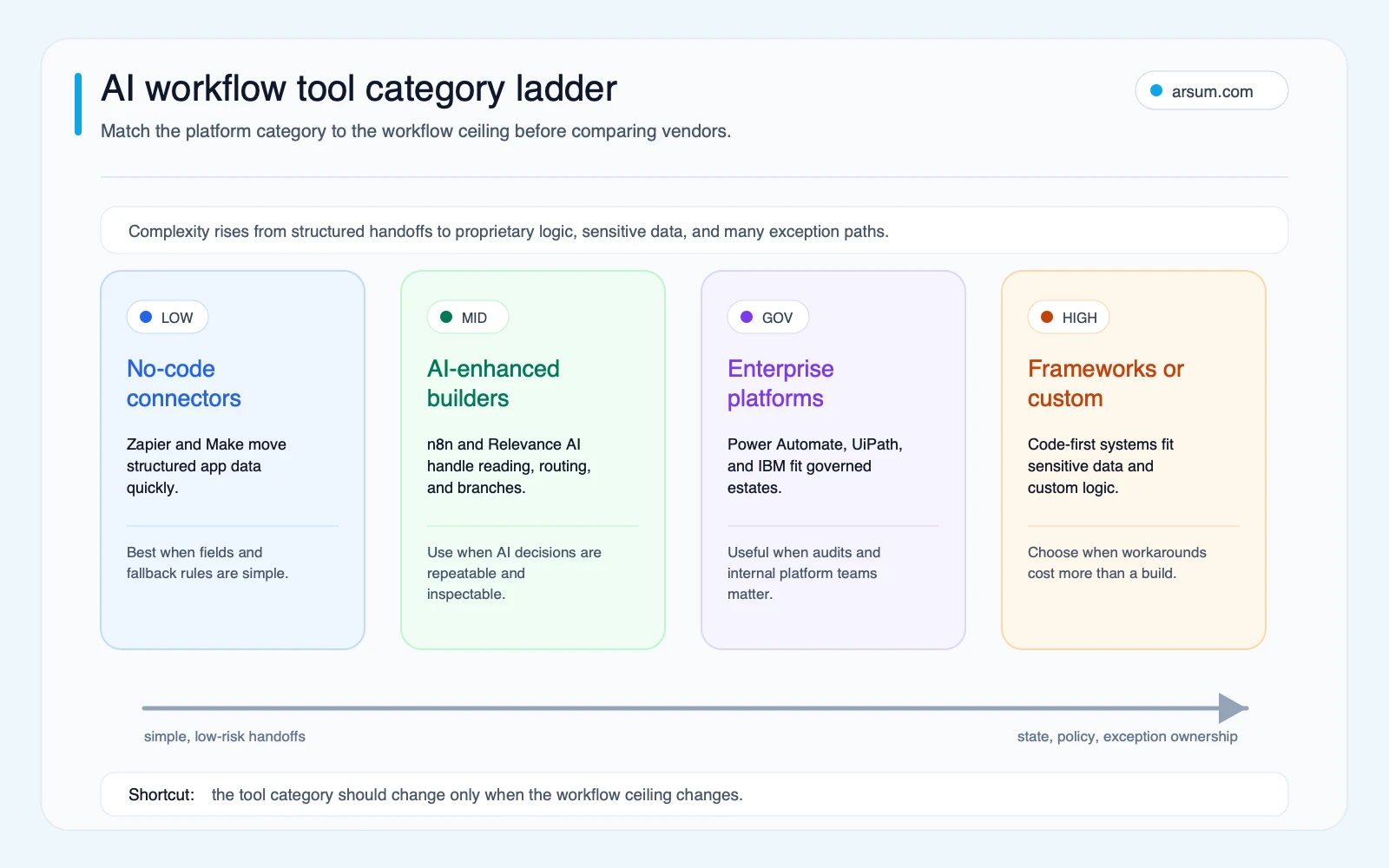
Move up the ladder because the workflow has proven control or logic requirements—not because “agentic” features sound more advanced.
💡 Arsum builds custom AI automation solutions tailored to your business needs.
Get a Free Consultation →Worked pilot scorecard: inbound lead routing
Consider an inbound-lead routing workflow. This is an illustrative planning assumption, not an observed result.
The workflow receives form submissions, validates required fields, checks the CRM for an existing record, classifies the lead against approved criteria, prepares a routing recommendation, and creates a reviewer task for uncertain cases. It does not autonomously reject, price, contract with, or make a consequential eligibility decision about a lead.
| Pilot element | Illustrative planning assumption |
|---|---|
| Baseline volume | 400 inbound leads per month |
| Current handling time | 6 minutes per lead for validation, CRM check, and routing |
| Current exception rate | 12% require clarification, duplicate resolution, or manual reassignment |
| Proposed AI boundary | Extract fields and recommend a routing category from a defined taxonomy |
| Confidence rule | High-confidence recommendations may populate a draft routing field; all low-confidence, duplicate, or missing-data cases enter review |
| Reviewer | Sales operations manager or delegated queue owner |
| Failed-run owner | Revenue operations administrator |
| Rollback | Disable the automation, route new submissions to the existing queue, and correct affected CRM records from the run log |
| Review cadence | Daily during pilot, then weekly after acceptance |
| Pilot duration | A defined volume or time window chosen by the owner before launch |
Model the business case transparently:
modeled monthly benefit = (baseline minutes − automation review minutes) × monthly volume × internal cost per minute − software/model costs − owner and monitoring time − expected correction cost
For example, the team should insert its own measured baseline minutes, review minutes, fully loaded internal cost, expected software and model charges, and a conservative estimate of correction work. The model must still cover implementation effort. A workflow with apparent labor savings can be a poor choice if review, monitoring, and exception cleanup consume the gain.
Two-platform scorecard example
| Criterion | Weight | Connector candidate | AI workflow candidate | Evidence required |
|---|---|---|---|---|
| CRM and form integration | 3 | 5 | 4 | Test connection, service identity, and duplicate behavior |
| Classification and routing | 2 | 2 | 4 | Test approved taxonomy, confidence output, and review queue |
| Failed-run visibility | 3 | 3 | 4 | Demonstrate logs, alerts, retries, and owner handoff |
| Approval control | 3 | 2 | 4 | Demonstrate that uncertain cases cannot take unauthorized action |
| Operating ownership | 3 | 4 | 3 | Identify administrator, maintenance workload, and backup owner |
| Total weighted score | — | 48 | 57 | Use your own scores after evidence review |
The AI workflow candidate wins only if the difference survives a real proof of operation. If the connector route can produce a reliable reviewer queue with less operating burden, it may be the better pilot. The scorecard prevents “AI depth” from outweighing recovery and ownership.
For related sales and operations patterns, see AI tools for business automation and AI automation ROI examples.
Build, buy, or partner: use a threshold model
Custom development is not an escape hatch for every difficult workflow. It is a decision to take on more control and more operating responsibility.
Compare build, buy, and partner options over a defined planning period—for example, the first 12 months—using the same inputs:
| Decision factor | Buy/configure a platform | Build custom | Use an implementation partner |
|---|---|---|---|
| Required integrations | Supported connectors and APIs cover the workflow | One or more critical systems need bespoke interfaces | A partner can validate and implement the required mix |
| Logic | Rules and branches fit the platform without fragile workarounds | Proprietary state, policy, or transformations are core | Complex logic needs delivery capacity beyond internal bandwidth |
| Controls | Platform supports accepted identity, logging, review, and release practices | Controls must be designed for the organization | Controls need independent design and implementation support |
| Time to useful pilot | Configuration and testing are bounded | Architecture and build are justified by durable requirements | Discovery can determine whether configuration or build is warranted |
| Maintenance owner | Functional or systems owner can maintain it | Engineering owner can maintain code, integrations, and evaluations | Ownership and handoff terms must be explicit |
| Operating cost | Usage, licensing, review, and support | Hosting, model use, observability, security, and engineering | Delivery fees plus the same post-launch operating costs |
A custom option becomes credible when the required workflow cannot meet its control or logic requirements in a platform without recurring manual workarounds, unsupported integrations, or unacceptable review overhead. It is not justified merely because the process has many steps.
If you need to decide whether a narrow custom workflow is warranted, compare AI integration services with custom AI solutions for business and define the post-launch maintenance owner before signing a project.
Failure gates and disqualifying conditions
Do not pilot a workflow when any of these conditions is unresolved:
- No functional owner can approve the decision policy or accept the workflow’s error cost.
- Inputs are too inconsistent to define validation rules and reviewer routes.
- Credentials depend on a departing employee or an unapproved shared account.
- The team cannot inspect failed runs and identify who responds.
- A bad action cannot be contained or reversed.
- The workflow would make a consequential decision without an approved human-review boundary.
- Software, model, infrastructure, and review costs have not been modeled at expected volume.
- The workflow’s current process is still disputed across teams.
The NIST AI Risk Management Framework is a useful lens when a workflow touches people, money, security, or regulated data. It does not select a platform for you; it helps keep risk and trustworthiness visible in the selection process.
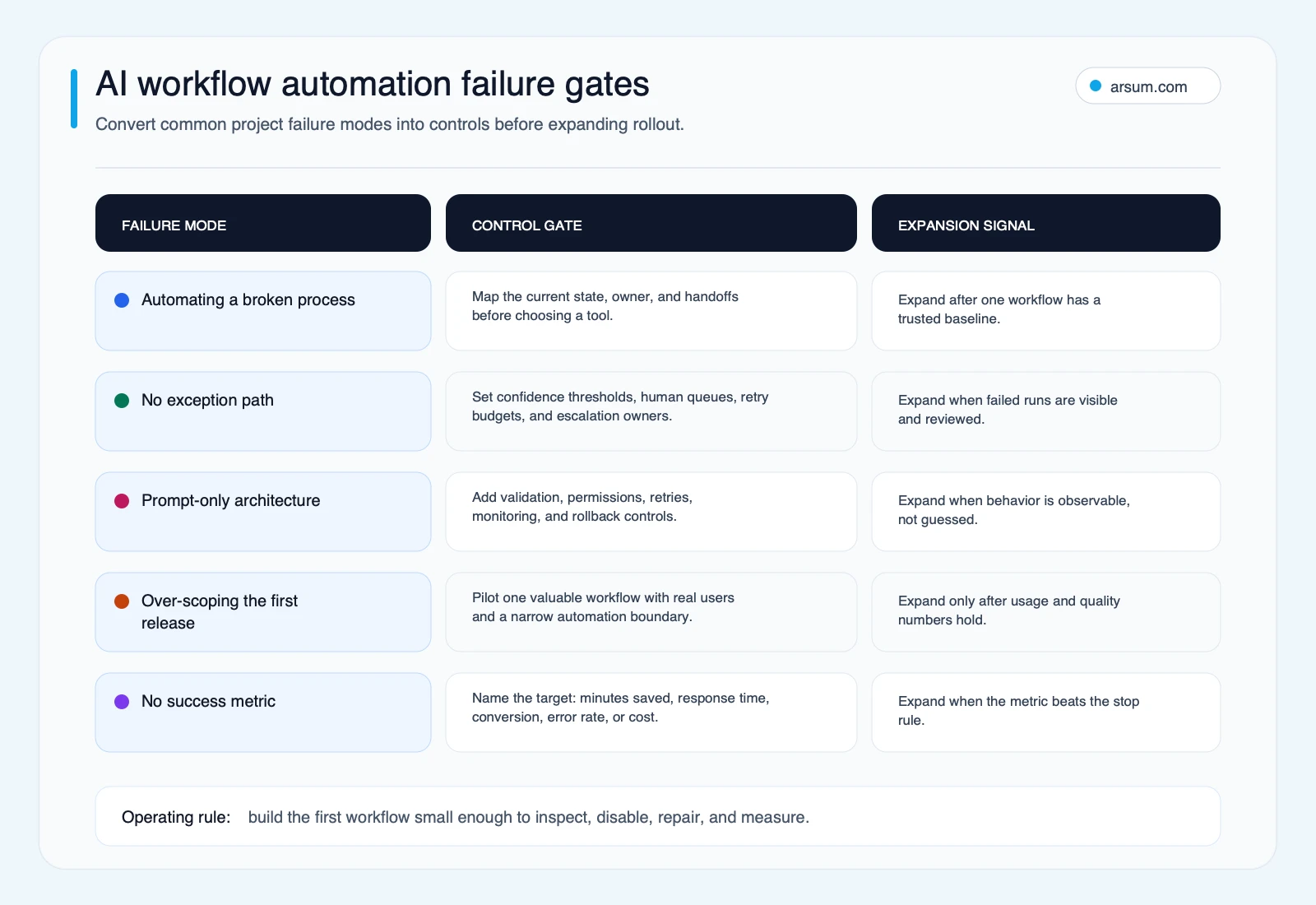
Expansion should follow evidence from a controlled pilot: stable inputs, acceptable exception handling, observable runs, named ownership, and a tested rollback path.
Practitioner context: use it to find questions, not to prove outcomes
Practitioner discussions are useful for discovering where implementations become operationally difficult. They are not market-wide evidence or a substitute for vendor documentation and a pilot.
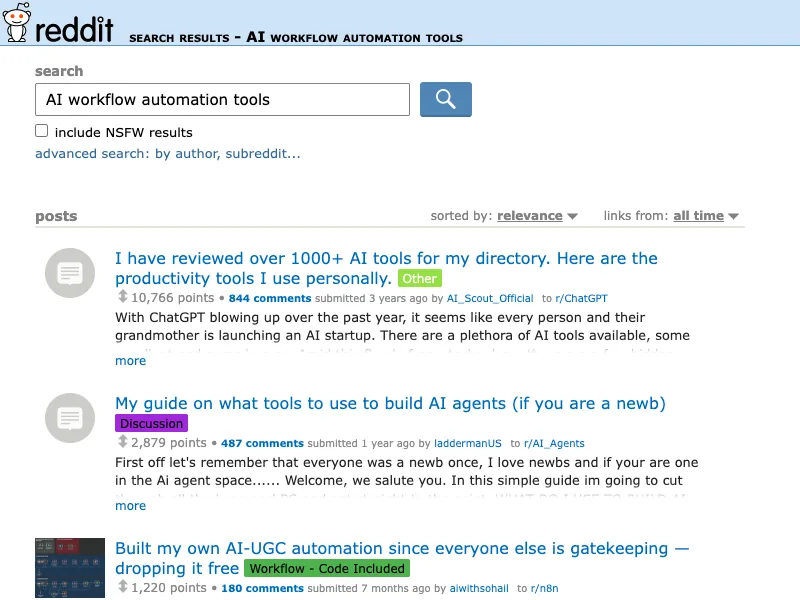
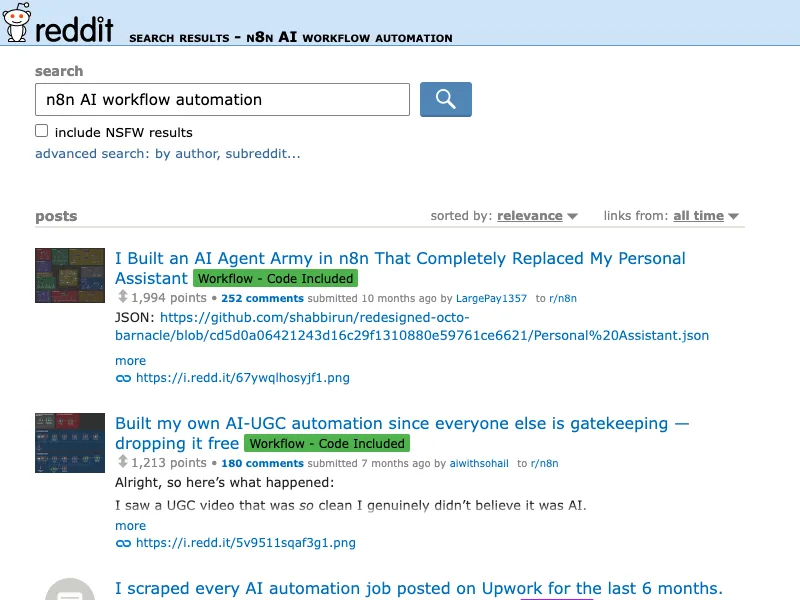
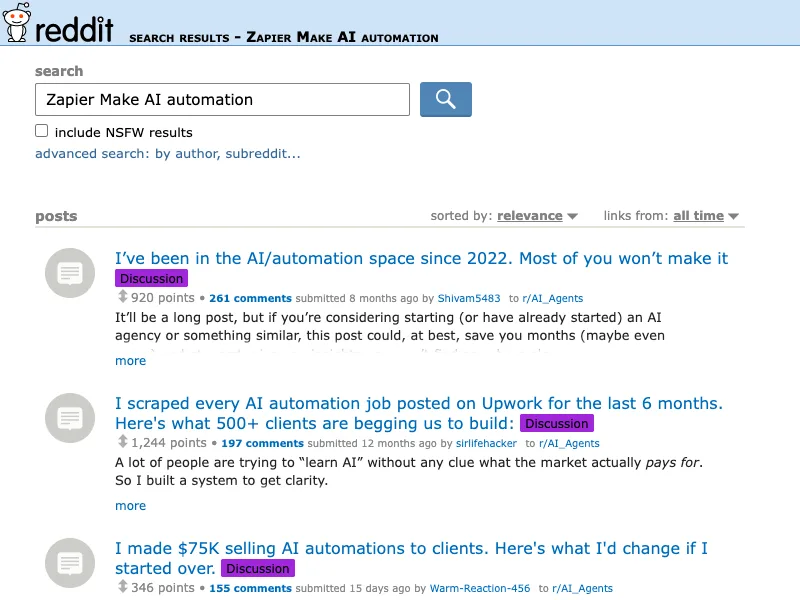
A Reddit discussion on AI automation challenges highlights adoption and process clarity as recurring concerns. Another discussion about starting with AI agents reflects a common confusion: learning a tool is different from selecting a production operating model. An n8n practitioner thread on lessons before building AI workflows reinforces the value of a small first workflow.
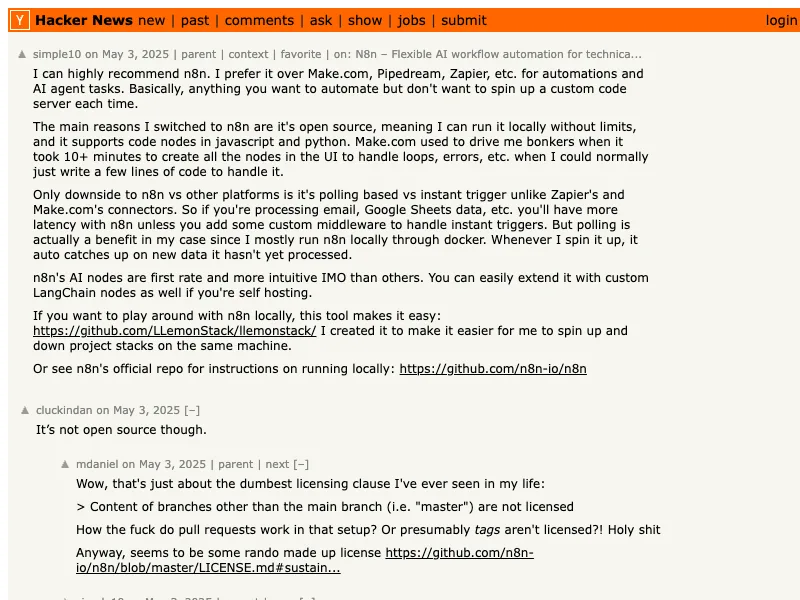
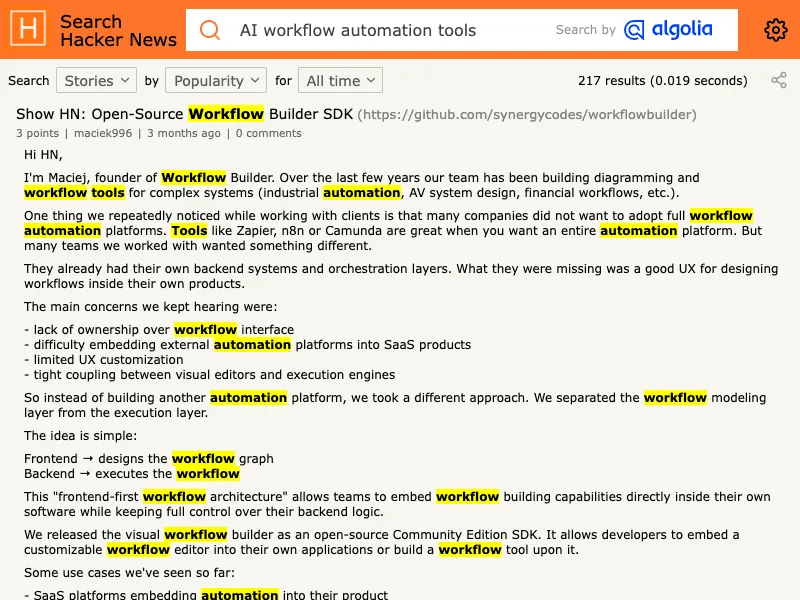
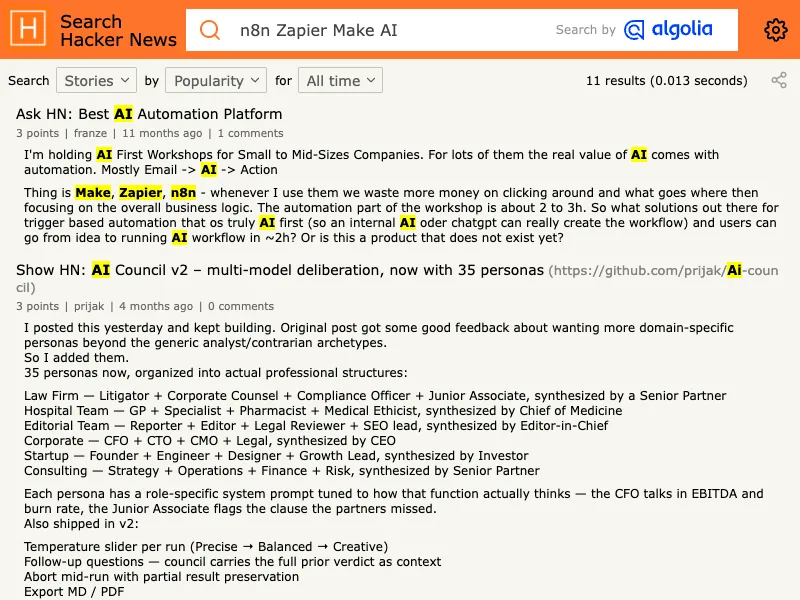
A Hacker News discussion comparing automation platforms is similarly useful as qualitative discovery context for latency, polling, local hosting, and connector behavior. Those are prompts for your test plan—not conclusions about a platform’s universal fitness.
A practical selection sequence
- Choose one workflow with measurable volume and an accountable owner.
- Measure baseline handling time, exception rate, review time, and correction work.
- Complete the workflow specification and identify approval and rollback boundaries.
- Shortlist only platforms that can meet the required integration, identity, monitoring, and data-handling checks.
- Run a supervised pilot with a named failed-run owner and a defined pass/fail scorecard.
- Expand only when modeled benefit remains positive after software, model, review, monitoring, and maintenance costs.
This is also the right way to approach business workflow automation and agentic AI workflow automation: start with a controlled business process, not a broad promise of autonomy.
Frequently asked questions
Do AI workflow automation tools handle exceptions automatically?
They can detect, classify, or route some exceptions, but technical capability is not authorization. For consequential actions, define confidence thresholds, reviewer queues, and a responsible owner. Keep uncertain, high-impact, or policy-sensitive cases in human review unless the business has explicitly approved a narrower automated action.
Is self-hosting enough to make an AI workflow secure?
No. Self-hosting changes where infrastructure runs, but security also depends on access control, secrets management, retention, logging, vendor and model data handling, patching, backups, and incident response. Review the exact architecture with the accountable security and risk owners.
How should we estimate ROI?
Use a transparent model based on your own monthly volume, baseline minutes, review minutes, internal labor cost, software and model charges, implementation effort, monitoring time, and expected correction cost. Do not borrow a generic savings percentage.
When should we involve an implementation partner?
Involve a partner when the workflow requires cross-functional discovery, integration design, control design, or engineering capacity your team does not have. The handoff should still name the internal owner for credentials, policy, exceptions, and ongoing maintenance.
A useful next step is a workflow assessment that produces the specification, pilot scorecard, platform shortlist, and operating-cost model before implementation begins.
Ready to Automate Your Business?
Stop wasting time on repetitive tasks. Let AI handle the busywork while you focus on growth.
Schedule a Free Strategy Call →Written by:Arsum editorial team
- Reviewed by
- Arsum editorial team
- Published
- February 22, 2026
- Updated
- July 5, 2026
- How this was produced
- Arsum uses research packs, source checks, and human editorial review to prepare and update blog articles. Editors are responsible for the final page.
- Source policy
- Sources are linked in the article when used. Methodology and source notes are included on higher-risk or high-visibility pages and are being rolled out across the archive. Editorial policy.
- Why this page exists
- Help B2B operators evaluate AI automation, implementation scope, cost, risk, and build-vs-buy decisions with practical context.