Google Gemini agent development is worth funding when it improves one defined workflow—such as support triage, document intake, or account research—with measurable acceptance criteria, controlled system access, and a named owner for exceptions. The key decision is not whether Gemini can call tools; it is whether a Gemini API, ADK, Google Cloud, or mixed-stack implementation can complete the task at an acceptable cost and risk level.
Google Gemini Agent Development Guide for Business
Explore google gemini agent development: compare workflow fit, costs, risks, evidence, and practical next steps before you build, buy, or hire.
Table of Contents
- What Most Guides Miss: Capability Is Not Authorized Autonomy
- Choose the Gemini Path Based on the Operating Model
- Editorial Gemini Stack Selection Matrix
- Build, Buy, or Partner: Make the Boundary Concrete
- The Production Control Plane
- Worked Pilot: Support-Triage Acceptance Scorecard
- Workflow Patterns That Can Justify Gemini
- Common Disqualifying Conditions and Failure Modes
- A Seven-Step Gemini Agent Development Sequence
- Sources and Decision Method
What Most Guides Miss: Capability Is Not Authorized Autonomy
Gemini can reason over context, use supported tools, and produce structured outputs, but those capabilities do not authorize it to make consequential business decisions. A useful agent has a narrow task boundary, a trusted source of truth, explicit read/write permissions, a review route for uncertainty, and a rollback owner.
Before comparing SDKs or frameworks, answer these four questions:
- What workflow changes? Name the queue, handoff, or review step that will be removed, shortened, or made more consistent.
- What does “accepted” mean? Define quality, exception rate, trace completeness, cycle time, and cost per completed task.
- What can the agent do? Separate read-only retrieval, drafts, recommendations, and write actions. Give irreversible actions an approval gate.
- Who owns the exceptions? Assign a business owner for policy decisions and a technical owner for permissions, monitoring, upgrades, and rollback.
If the team cannot answer these questions, run discovery before building. A polished demo can hide missing source lineage, weak data, unaffordable review effort, or an exception queue nobody owns.
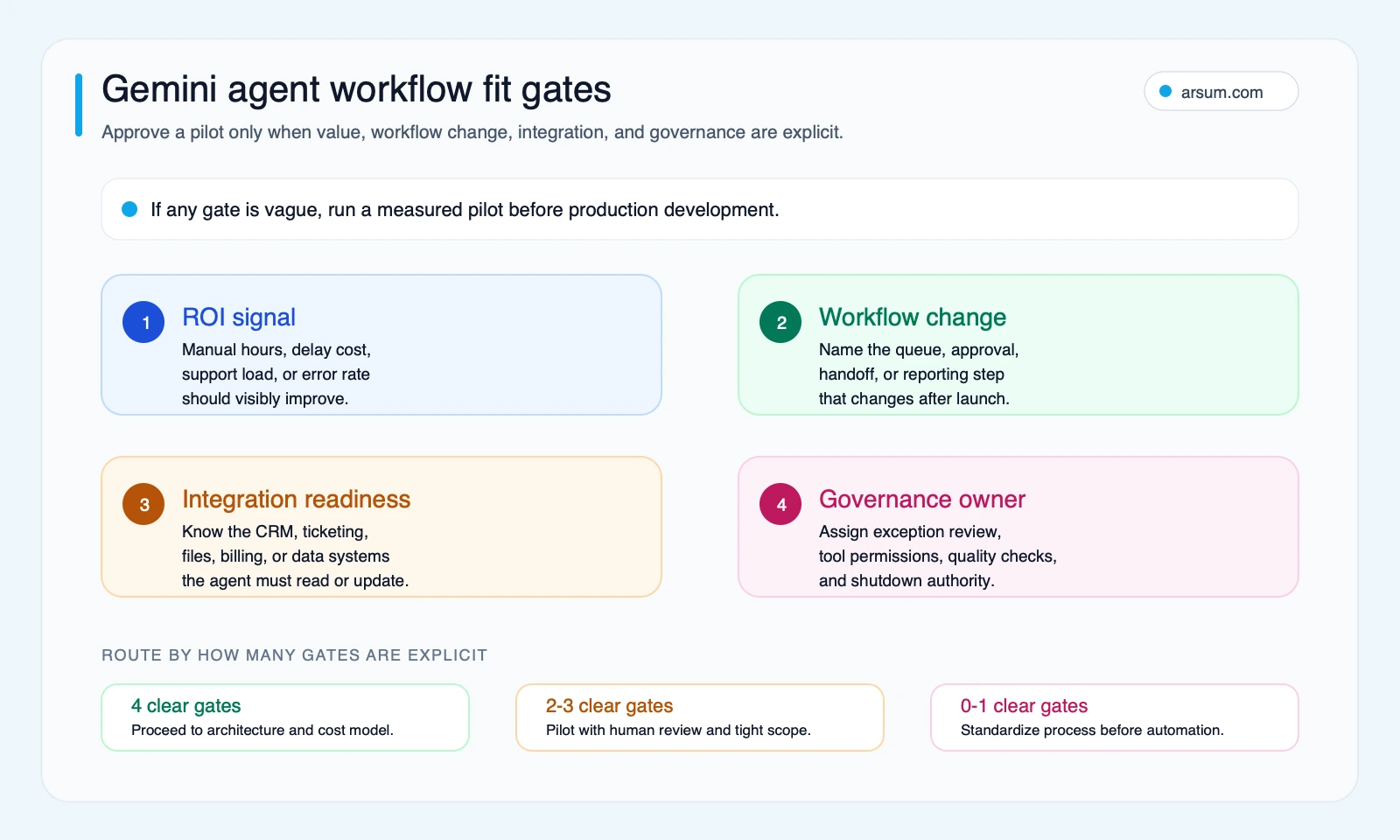
Use these gates to decide whether the workflow is ready for production scoping or needs a contained pilot first.
Choose the Gemini Path Based on the Operating Model
Google documents the Gemini API agent capabilities, tools, and function calling separately from Google Cloud’s production agent services. Treat those as product paths to evaluate against your operating requirements, not as interchangeable feature lists.
Gemini API: prove a narrow workflow
Use the Gemini API when the immediate goal is to validate a bounded workflow with a small set of approved tools. It is a practical starting point for an internal support-triage assistant, a document extraction flow, or an account-briefing workflow where humans remain responsible for the final action.
The prototype should still include:
- Explicit tool schemas and server-side argument validation.
- Read-only permissions by default.
- A trace for each task: source records, tool calls, output, reviewer decision, and final status.
- A fallback route when data is missing, tools fail, or the output cannot be supported by a trusted source.
A prototype is successful when it proves the workflow economics and acceptance criteria—not when it produces an impressive answer.
ADK: use a code-first agent framework when orchestration matters
Google Cloud describes the Agent Development Kit as an open-source framework for building, debugging, and deploying agents. The ADK documentation is the appropriate source for current language support, local development patterns, and framework behavior.
ADK is a stronger fit when the team needs an explicit agent structure, local debugging, tool orchestration, and evaluation discipline beyond a single model call. It does not remove the need to test the exact deployment path, model, tool contract, session behavior, and upgrade compatibility used in the pilot.
Do not choose a framework because it makes a multi-agent diagram easy to draw. Add another agent only when it has a distinct responsibility, inputs, permissions, and acceptance test. A single orchestrator with narrow tools is often easier to govern.
Google Cloud production paths: design for controls early
If IAM, network boundaries, audit requirements, managed runtime, observability, sessions, memory, or enterprise deployment controls are mandatory, evaluate the relevant Google Cloud path from the start. Google’s Vertex AI Agent Engine overview describes managed runtime capabilities; exact availability depends on the supported service, model, region, and current documentation.
The decision is not “prototype now, security later.” It is whether the production constraints will materially change the architecture. If they will, include them in the pilot scope so the result is transferable.
Mixed stack: keep existing controls when they already work
A mixed stack can be sensible when Gemini is a strong model fit but the organization already has a mature orchestration layer, tool gateway, approval service, observability standard, or cloud platform. The burden is compatibility testing and clear ownership: one team must own the end-to-end trace, not merely the model call.
For a broader architectural lens, see AI agent architecture patterns and this comparison of agentic AI frameworks.
Editorial Gemini Stack Selection Matrix
This is an editorial decision heuristic derived from the workflow requirements below. It is not performance research or a claim that one path is universally superior.
| Situation | Default starting path | Why it fits | Ownership requirement |
|---|---|---|---|
| One internal workflow, few tools, human-reviewed output | Gemini API | Fast validation of workflow value | Product or operations owner plus an engineer who owns tool contracts |
| Code-first orchestration, local debugging, deliberate agent design | ADK | A framework-level structure for agents and tools | Engineering owner for evaluations, versions, and runtime behavior |
| Audit, identity, network, monitoring, or managed-runtime requirements | Relevant Google Cloud production path | Controls influence architecture from the beginning | Security, platform, and workflow owners jointly accountable |
| Existing tool gateway or orchestration standard outside Google | Mixed stack | Preserves proven control-plane components | Clear integration owner and end-to-end trace ownership |
| A vertical SaaS product already fits the workflow | Buy before build | Less custom maintenance if controls and economics are acceptable | Business owner for vendor configuration and review process |
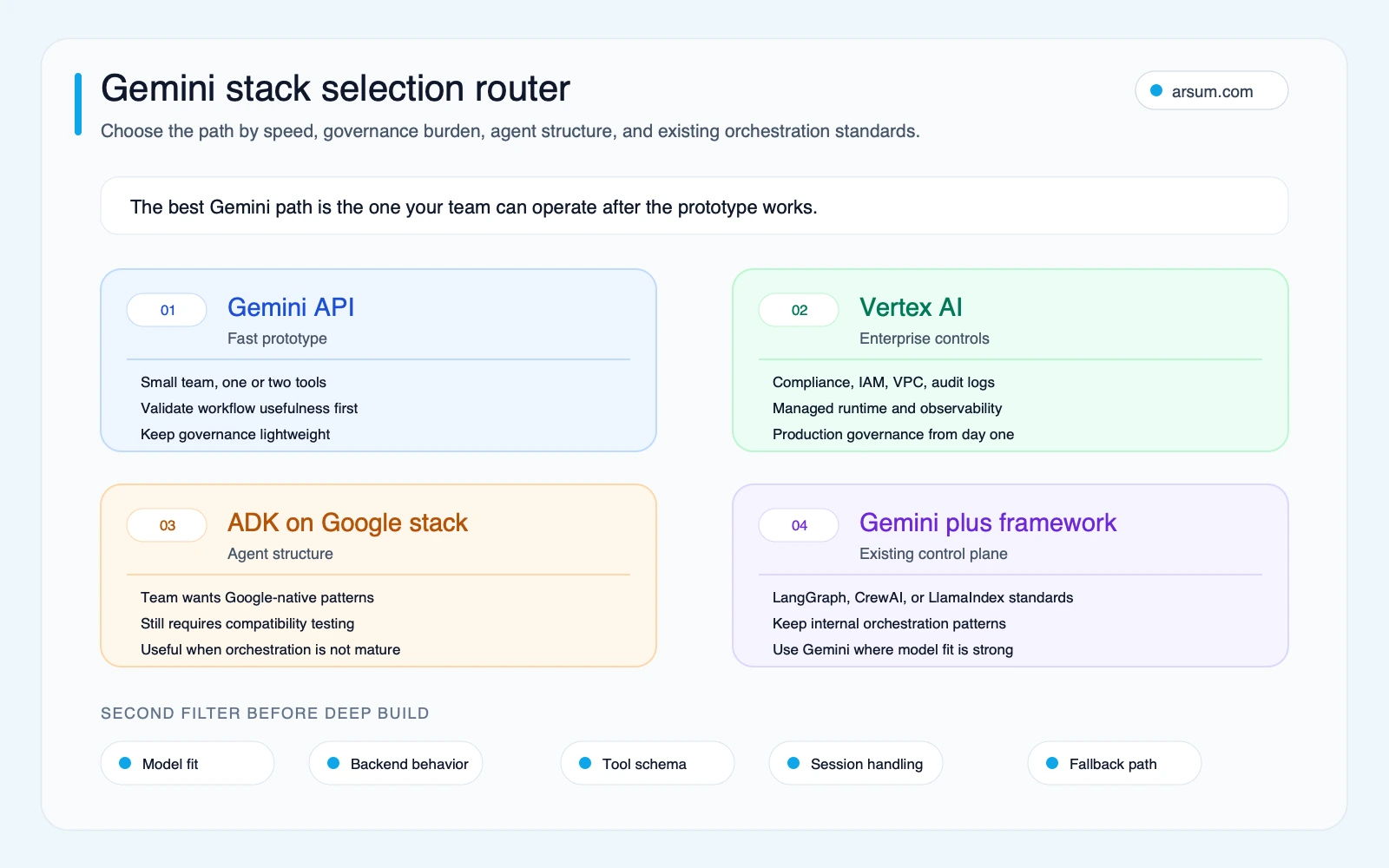
Select the stack after defining control requirements, not after building a prototype that cannot meet them.
Build, Buy, or Partner: Make the Boundary Concrete
A Gemini-based custom implementation is not automatically the best answer.
Buy when the workflow is standard
An existing SaaS tool usually wins when the process is common, its integration already exists, the vendor’s controls satisfy your requirements, and configuration is less risky than custom software. Examples may include standard ticket routing, routine document capture, or established CRM enrichment.
Evaluate the vendor’s permissions, audit records, exportability, configuration limits, exception handling, and total review effort. “AI included” is not enough.
Build a narrow integration when the differentiator is your workflow
A custom Gemini implementation is more defensible when value depends on proprietary data, unusual approval logic, cross-system orchestration, or a workflow the off-the-shelf tool cannot represent safely.
Keep the first release narrow: one trigger, one task definition, a small tool registry, an exception queue, and one accountable owner. For broader implementation tradeoffs, see AI workflow automation and custom AI agent development services.
Partner when the gap is execution capacity, not decision ownership
An implementation partner can help map the workflow, build integrations, establish evaluations, and transfer operating responsibility. The business still needs to own policy, exception decisions, data access approval, and launch acceptance. Those duties cannot be outsourced to a prompt or a framework.
A useful assessment should result in a workflow map, risk register, cost model, pilot scope, and acceptance criteria—not a generic “AI roadmap.”
💡 Arsum builds custom AI automation solutions tailored to your business needs.
Get a Free Consultation →The Production Control Plane
The model is one component of an operational system. The control plane determines whether the agent can be trusted in the workflow.
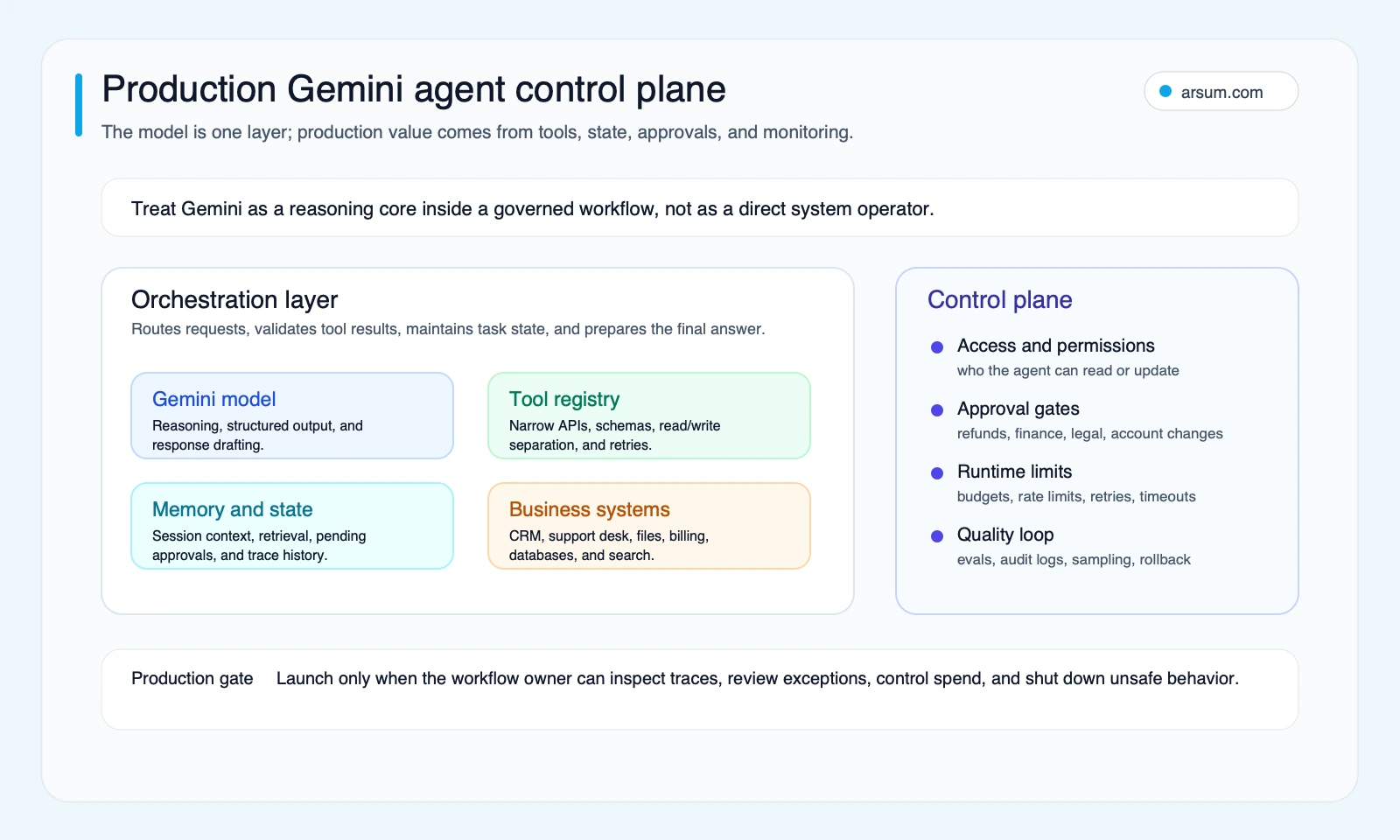
Tool contracts and permissions
Function calling lets a model request a declared function; the application remains responsible for validating the request, executing the action, validating the result, and deciding whether another model step is allowed. Google’s function-calling documentation supports this distinction between a model’s tool-call prediction and the application’s execution layer.
For each tool, document:
- Purpose and allowed caller.
- Input schema, required fields, and validation errors.
- Read, draft, or write permission level.
- Idempotency rule for external actions.
- Trusted source and freshness requirement.
- Audit fields retained for each call.
- Human approver, if the action changes money, access, contracts, records, or customer commitments.
Treat tool output as untrusted until the application validates it. A structured response is useful, but it is not proof that the underlying source, authorization, or business rule is correct.
State, source lineage, and final-answer verification
Long context does not replace structured state. Keep current task state separate from approved long-term knowledge and from operational records. The trace should answer: what source did the agent use, what was retrieved, what tool was called, what result returned, who approved the outcome, and whether the task was completed or escalated.
For document-heavy workflows, require the agent to return source references that a reviewer can inspect. If the relevant source is missing, stale, contradictory, or inaccessible, route the item to a person rather than allowing the agent to infer an answer.
Reliability tests before production
Use a preflight checklist:
- Validate actual tool schemas against real APIs.
- Test missing fields, malformed tool results, permission denials, rate limits, and timeouts.
- Make write actions idempotent and approval-gated.
- Limit retries and tool loops; repeated uncertainty is an escalation signal.
- Record model and dependency versions in test results.
- Re-run regression tests before changing model, SDK, runtime, prompt policy, or tool behavior.
- Test that a disabled tool or disabled agent returns the task safely to the normal human workflow.
Community discussions and public issue listings can help identify questions to test—especially around product boundaries and tool behavior—but they are qualitative signals, not reliability statistics. The specific implementation must be tested in your environment.
Worked Pilot: Support-Triage Acceptance Scorecard
Consider an illustrative support workflow: a new ticket enters the help desk; the agent may read the ticket, customer record, order status, and approved policy documents; it may classify the issue and draft a response; it cannot issue a refund, change an account, or send a final external message without approval.
This is a planning example, not an observed result.
| Measure | Baseline to record | Pilot target | Owner and review |
|---|---|---|---|
| Cycle time | Median time from ticket arrival to triage decision | Set a target improvement after measuring the baseline | Support operations lead; weekly review |
| Quality | Reviewer-scored correctness on a sampled evaluation set | Define a launch threshold before live exposure | Support quality lead; twice-weekly sample |
| Escalation rate | Share of tickets routed to a human today | Keep escalations explainable; do not force them down at the cost of quality | Queue manager; daily exception review |
| Trace completeness | Share of agent tasks with source, tool, decision, and reviewer record | 100% for pilot tasks | Technical owner; weekly audit |
| Tool-call success | Successful validated calls divided by attempted calls | Threshold set from pilot risk tolerance | Engineering owner; daily monitoring |
| Review cost | Minutes of human review per completed task | Must be lower than the manual path after accounting for exceptions | Operations lead; weekly review |
| Rollback test | Time and evidence required to disable the agent and return to manual routing | Perform and document before launch | Technical owner and queue manager |
Use a sampled evaluation set that includes normal tickets, missing data, conflicting records, policy edge cases, and items that must escalate. The sample should be representative enough to expose failure modes, not merely easy examples chosen to demonstrate model fluency.
The cost-per-completed-task calculation should include both machine and human work:
illustrative cost per completed task =
(model and tool cost + infrastructure cost + human review cost + remediation cost)
÷ accepted completed tasks
For example, do not divide only by all tasks submitted if a meaningful share is abandoned, escalated without useful preparation, or requires full manual rework. Define “accepted completed task” in advance.
Launch, stop, and rollback rules
A pilot should not expand merely because stakeholders like the demo. Set these rules before testing:
- Launch condition: The agreed quality threshold, trace completeness requirement, tool-call reliability threshold, and review-cost target are met for the defined evaluation period.
- Stop condition: Unsupported recommendations, missing traces, repeated tool failures, policy violations, or review costs that remove the expected benefit.
- Rollback path: Disable agent routing and write permissions, return new work to the existing human queue, preserve traces for investigation, and assign the workflow owner to review affected tasks.
This is how a pilot becomes a decision instrument rather than an open-ended experiment. For related measurement design, see AI automation ROI examples.
Workflow Patterns That Can Justify Gemini
Support and service triage
Use Gemini to summarize the request, retrieve approved customer and order context, classify the issue, and prepare a cited draft for a human. Keep refunds, account changes, and commitments behind approval.
The expected operational change is a better-prepared queue, not autonomous customer service. Review quality, escalation reasons, reopened tickets, source freshness, and the time a reviewer spends correcting drafts.
Document-heavy intake
Procurement intake, claims review, policy comparison, RFP processing, and compliance research can be viable where source files are accessible and the downstream process accepts structured fields plus exceptions.
The agent should extract only fields that the receiving system and reviewer can use. Require source references for each material field. If formats vary too widely, the workflow may need document standardization before automation.
For finance-specific boundaries, see agentic AI use cases in finance. High failure cost should reduce autonomy: use the system to prepare, classify, and surface evidence while qualified people retain authorization.
Revenue operations research
An agent can prepare account briefs by combining permitted CRM records, product signals, open risks, and approved public research. It should distinguish internal records from public context, show source lineage, and avoid writing back to CRM without a defined review step.
The business question is whether the output changes preparation time or coverage enough to justify maintenance—not whether the model can generate a polished account summary.
Common Disqualifying Conditions and Failure Modes
Do not proceed directly to production when:
- The process is not standardized and different operators use incompatible rules.
- The source systems are incomplete, stale, or unavailable to the agent.
- The downstream action is high impact and no authorized approver is available.
- The team cannot define an accepted outcome or baseline.
- The expected task volume is too low to justify integration and monitoring effort.
- A suitable SaaS product meets the control and economic requirements with less custom maintenance.
- Nobody owns policy changes, model updates, regression tests, or incident response.
Common failure modes to test for include vague tool contracts, overly broad permissions, source confusion, unbounded retries, missing audit trails, hidden review costs, and treating an escalation as a product failure rather than a safe outcome.
A well-designed exception route is a feature. It protects customers and employees while producing evidence about which part of the workflow needs better data, policy, tooling, or human judgment.
A Seven-Step Gemini Agent Development Sequence
- Select one workflow with enough volume and a named business owner.
- Map the trigger, sources, systems, permissions, decision points, exception path, and human handoff.
- Baseline cycle time, quality, exception rate, and fully loaded manual review effort.
- Decide whether to buy, build narrowly, or use Gemini inside an existing control plane.
- Implement read-only tools, validated schemas, traces, and an evaluation set before granting write access.
- Pilot with human review and measure accepted completions, review cost, tool reliability, and exception reasons.
- Expand only after the written launch conditions are met; keep a tested rollback path.
Gemini development should create a maintainable workflow, not an isolated model demonstration. The relevant implementation question is whether your organization can own the data lineage, controls, exceptions, and economics after launch.
Sources and Decision Method
Product and platform statements in this guide are based on Google’s Gemini API agents documentation, tools documentation, function-calling documentation, Google Cloud ADK guidance, and ADK documentation. Check the current documentation for supported models, regions, pricing, and platform availability before committing a production design.
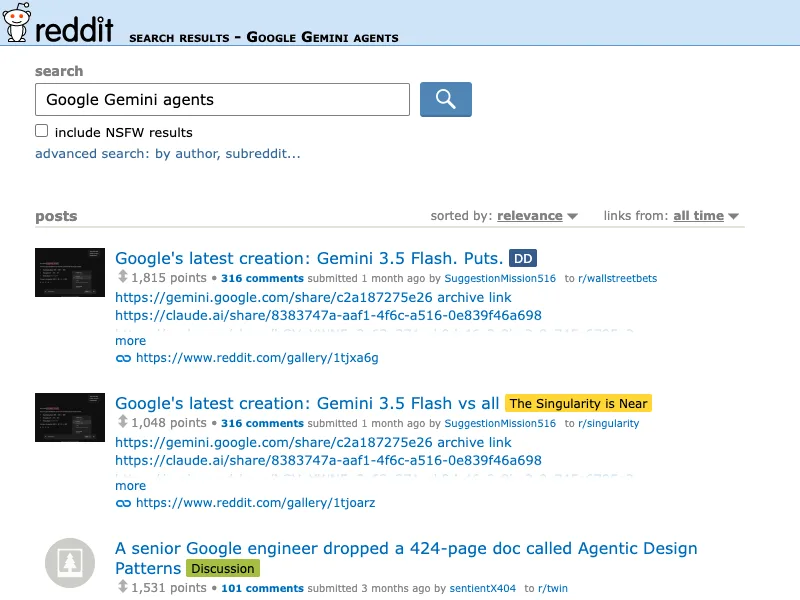
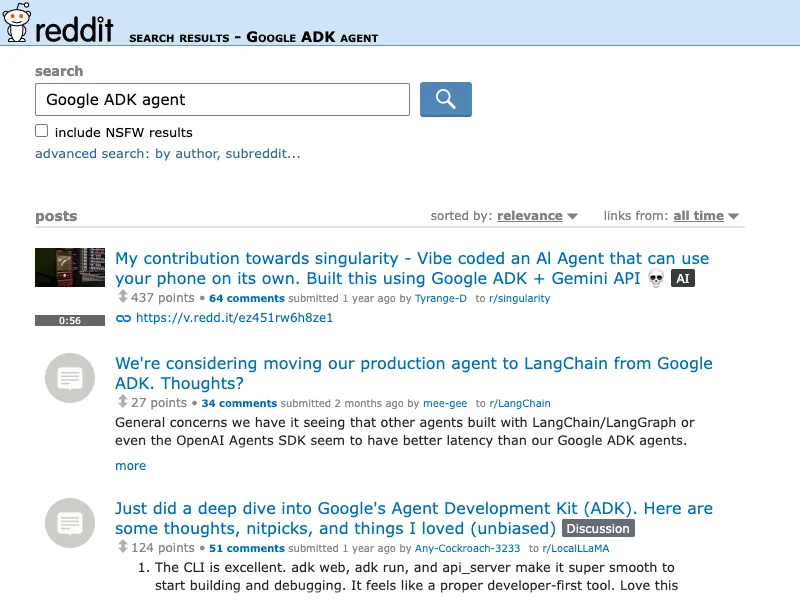
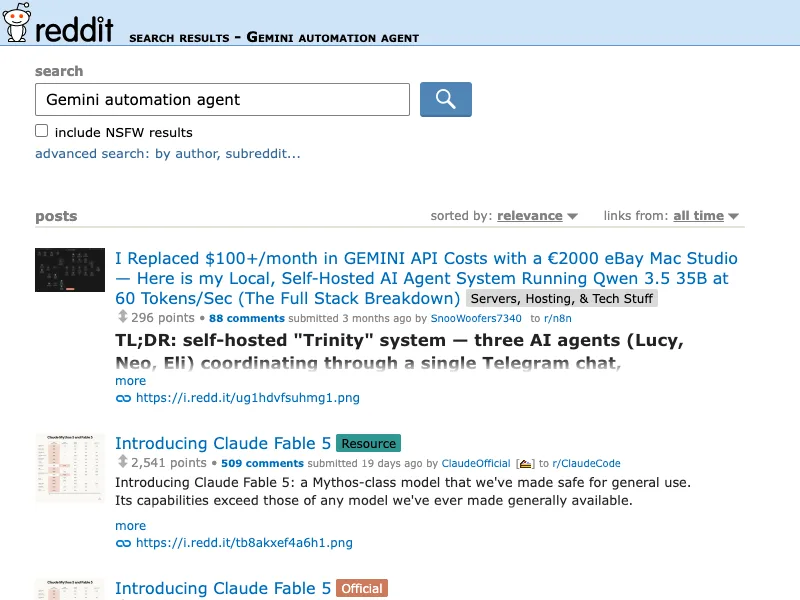
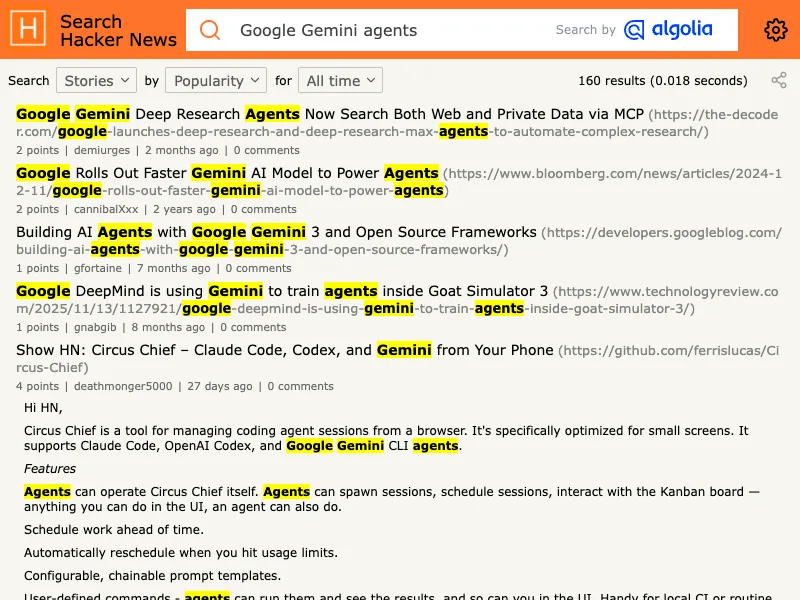
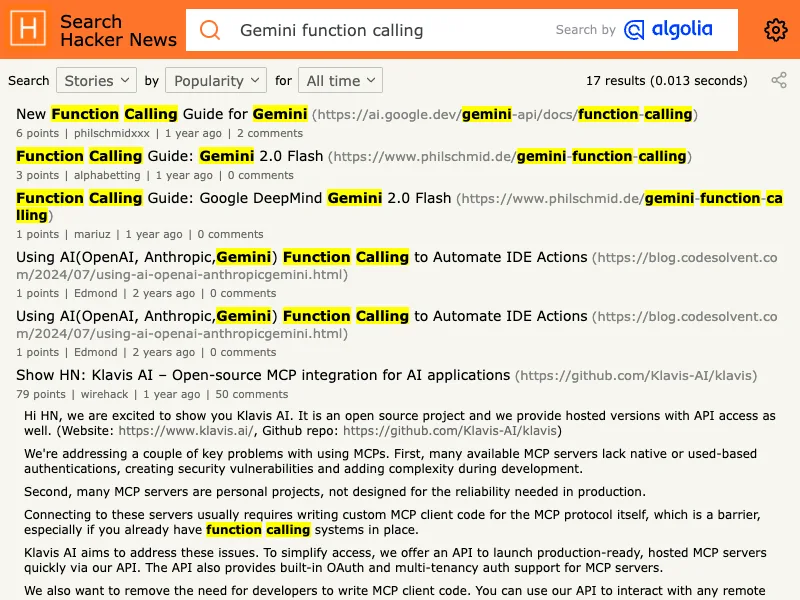
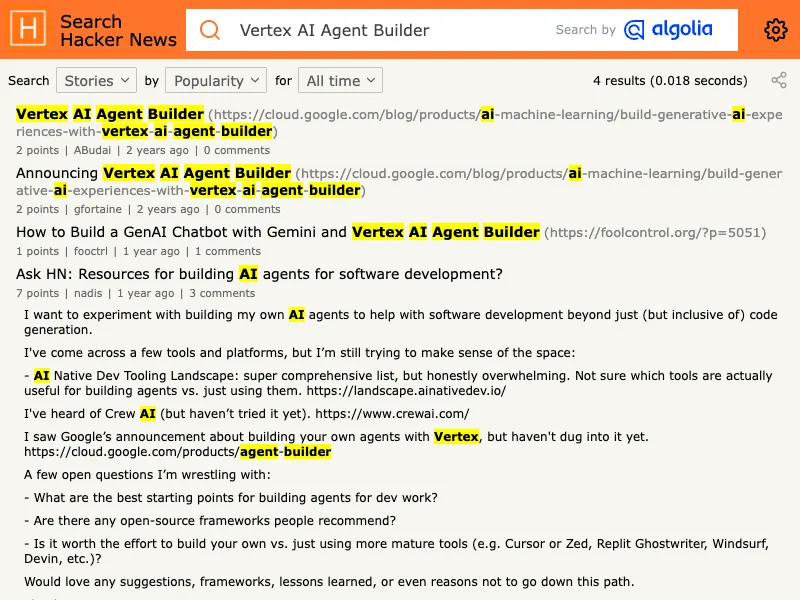
The following public discussion captures are retained as qualitative discovery context only. They do not establish adoption rates, product reliability, or market-wide findings.
Ready to Automate Your Business?
Stop wasting time on repetitive tasks. Let AI handle the busywork while you focus on growth.
Schedule a Free Strategy Call →Written by:Arsum editorial team
- Reviewed by
- Arsum editorial team
- Published
- May 7, 2026
- Updated
- July 6, 2026
- How this was produced
- Arsum uses research packs, source checks, and human editorial review to prepare and update blog articles. Editors are responsible for the final page.
- Source policy
- Sources are linked in the article when used. Methodology and source notes are included on higher-risk or high-visibility pages and are being rolled out across the archive. Editorial policy.
- Why this page exists
- Help B2B operators evaluate AI automation, implementation scope, cost, risk, and build-vs-buy decisions with practical context.